
The Texas Chain Saw Massacre low FPS: Compare frame drops with match lag
Focus on achieving a high FPS to improve your gaming experience in The Texas Chain Saw Massacre. Here are best tips to help you. ✅


 1 min. read
 Updated on

Start with a repeatable local observation. If the camera stutters whenever you turn near a particular part of a map, note the graphics preset, resolution and frame rate there. If the camera stays smooth while other players jump between positions, record the match time and any network error.
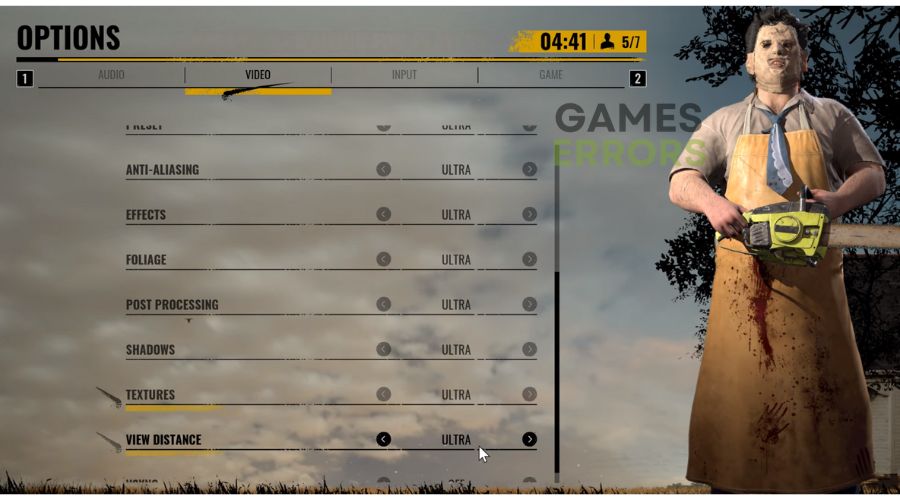
Check the graphics menu first
Lower one graphics setting or the resolution and repeat the same movement. Keep the change only if it improves frame rate consistently. On a dual-GPU laptop, confirm Windows assigned the game to the intended adapter. Windows per-app graphics settings.
For match-only problems, consult the publisher’s notices. Gun’s update about the proposed peer-to-peer change says the team decided against proceeding with it. Gun’s server update.
GamesErrors may earn a commission through these product links. PC HelpSoft.



Improve this guide




User forum
0 messages