
What to do if furniture disappears while moving it in Whisper of the House


 2 min. read
 Updated on
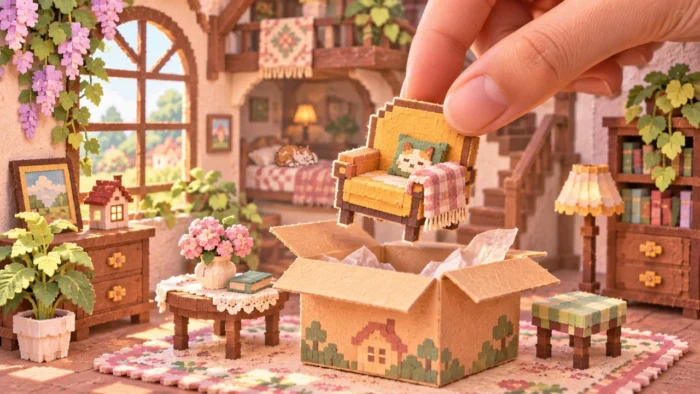
A launch-era bug could remove an item if an autosave began while you were holding it. GD Studio fixed that timing issue in version 1.0.0.3. Finish pending Steam updates before reopening a room where furniture has gone missing.
Find out whether the item moved, disappeared, or became unreachable
Check the original location, the intended surface and Storage. Try picking up the object in front of the empty space. The studio separately fixed a problem with furniture covering smaller items, so an object that looks gone may be behind another piece.
If you have a manual save from just before the move, keep your current slot and inspect that earlier copy. Confirm the object is present before replaying the placement. If only one item is missing and you prefer to preserve later work, send the affected save to GD Studio instead of resetting the whole room. Include the exact object, surface, room and whether the autosave icon appeared. The studio’s instructions explain where to find PlayerSave.
Related reading
- How To Fix Discount Customers Waiting At Checkout Queue (Quick Fix)
- How To Fix Discounty Customers Stuck Not Moving (Quick Fix)
- How To Fix Discounty Stuck In Cutscene After Bar Scene (Quick Fix)
- How To Fix Discounty Animations Stuck At Scanner Bug (Easy Fix)
- How To Fix Dawn Of War Definitive Edition Not Launching (Quick Fix)



Improve this guide




User forum
0 messages