
What Rune Factory: Guardians of Azuma patch 1.0.4 actually fixed


 2 min. read
 Updated on
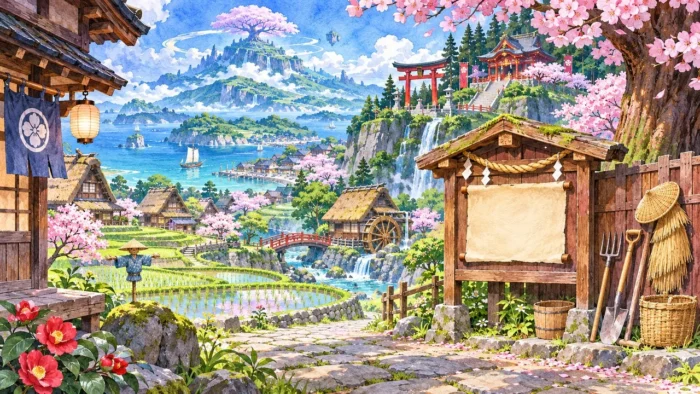
Version 1.0.4 was a historical update for PC, Nintendo Switch and Switch 2. It addressed blocked Ema Board and Hometown quests, an issue with player names matching character names, and some smaller fixes. On PC it also corrected a specific traversal problem: the Sacred Treasure Parasol could fail to ride updrafts when the frame-rate setting was too high. Marvelous’ 1.0.4 notes.
What to do if an old save shows one of those symptoms
Install the current version offered by your storefront. There is no need to locate and install 1.0.4 separately. For an updraft problem, reload the location and try the same Parasol route again on the updated PC build. For a quest blocker, note the quest title, visible objective and the last completed step before retrying.
The 1.0.4 notes are not the full change history. Later versions expanded storage and made other village-life changes. Marvelous maintains a consolidated update history with platform information. If a modern build still exhibits an old symptom, report its current version and the steps that reproduce it. A dated launch patch is useful context without establishing the cause of a new failure.
Related reading



Improve this guide




User forum
0 messages