
How to diagnose stuttering and FPS drops in Grand Bazaar


 2 min. read
 Updated on
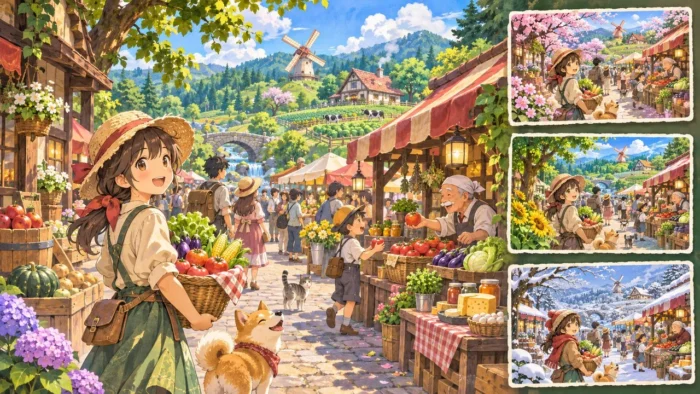
A steady low frame rate and an occasional long pause can feel similar while running between stalls. Use the Steam performance monitor to watch both FPS and the frame-time graph while repeating a short route. Compare the same camera movement in the farmhouse, outside and at a busy bazaar.
Find the change that moves the hitch
Lower the resolution one step without changing anything else. Repeat the same route at a similar in-game time. A higher baseline suggests the GPU was doing substantial work. A single spike at the same doorway despite lower resolution points more strongly to the transition itself.
Compare the PC with the publisher’s minimum and recommended configurations, then try one pass with screen recording or background downloads paused. If only one save stutters, note the date, season, location and number of stalls in view. A graph and reproducible route give Marvelous more evidence than a report that the entire game feels slow.
Related reading
- How To Fix Discount Customers Waiting At Checkout Queue (Quick Fix)
- How To Fix Discounty Customers Stuck Not Moving (Quick Fix)
- How To Fix Discounty Stuck In Cutscene After Bar Scene (Quick Fix)
- How To Fix Discounty Animations Stuck At Scanner Bug (Easy Fix)
- How To Fix Dawn Of War Definitive Edition Not Launching (Quick Fix)



Improve this guide




User forum
0 messages