
Xbox controller buttons work in Grand Bazaar but the stick doesn’t


 2 min. read
 Updated on
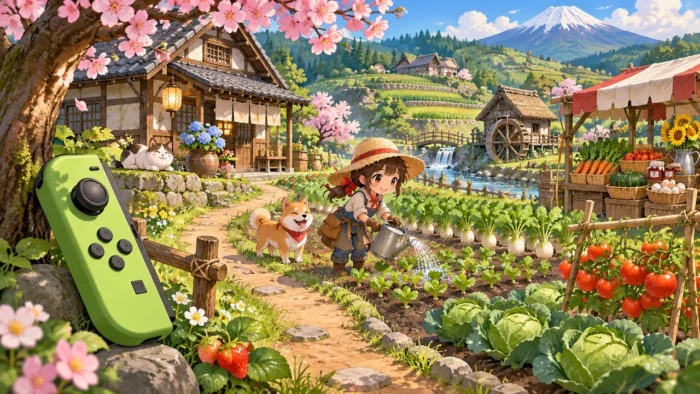
Test movement and menu navigation separately. If the buttons work but the farmer will not walk, the game is receiving some input. An Xbox stick that moves a Windows or Steam cursor can still have the wrong mapping for the game.
Check both axes and the active layout
Close Grand Bazaar. Open Steam > Settings > Controller, select the pad and use its input test. Rotate the left stick slowly through a full circle and release it. If one axis never registers, compare a direct USB connection with Bluetooth before changing the game.
If the stick responds correctly, inspect the game’s controller layout in Steam. Try a standard gamepad layout, then launch with only that controller connected. Test walking outside the farmhouse and moving through inventory. If controls fail during one NPC interaction, Marvelous patched a scene-specific input lock. Include which axis, scene and Steam Input setting failed in a support report.
Related reading
- How To Fix Story Of Seasons Grand Bazaar Controller Not Working On PC (Quick Fix)
- How To Fix Discount Customers Waiting At Checkout Queue (Quick Fix)
- How To Fix Discounty Customers Stuck Not Moving (Quick Fix)
- How To Fix Discounty Stuck In Cutscene After Bar Scene (Quick Fix)
- How To Fix Discounty Animations Stuck At Scanner Bug (Easy Fix)



Improve this guide




User forum
0 messages