
How to improve Grand Bazaar’s PC performance on market day


 2 min. read
 Updated on
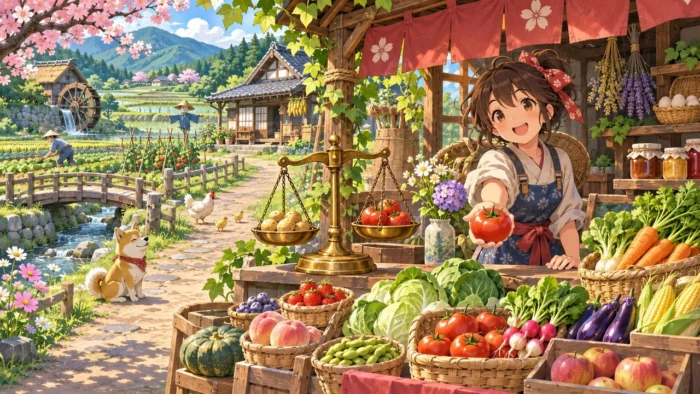
Use a busy market day in Zephyr Town as the benchmark. A quiet farmhouse and a busy bazaar ask different things of a PC. Pick a route between two stalls and compare it at the same point in the day after changing one setting.
Choose settings your hardware can sustain
Marvelous lists a GTX 1050 or RX 560 with 8 GB of RAM as its minimum. Recommended hardware includes a GTX 1660 or RX 590 with 16 GB. On a laptop, check which graphics processor the game uses while the market is open. Test on mains power before comparing results with a desktop.
Lower resolution one step and walk the route again. If the improvement is obvious, keep the smaller setting or reduce another graphics option. If the game pauses at exactly the same stall regardless of resolution, note the location and in-game date for Marvelous support.
Related reading
- How To Fix Story Of Seasons Grand Bazaar XBOX Controller Joystick Not Working (Quick Fix)
- How To Fix Story Of Seasons Grand Bazaar Controller Not Working On PC (Quick Fix)
- How To Fix Story Of Seasons Grand Bazaar Stuttering FPS Drops (Easy Fix)
- How To Fix Black Screen Issues In Story Of Seasons: Grand Bazaar (Quick Fix)
- How To Fix Story Of Seasons Grand Bazaar Crashing On Startup PC (Easy Fix)



Improve this guide




User forum
0 messages