
We are Experiencing Technical Difficulties in Roblox [Fixed]
Read our step-by-step guide on how to fix the "We're experiencing technical difficulties" error on Roblox.


 3 min. read
  Updated on
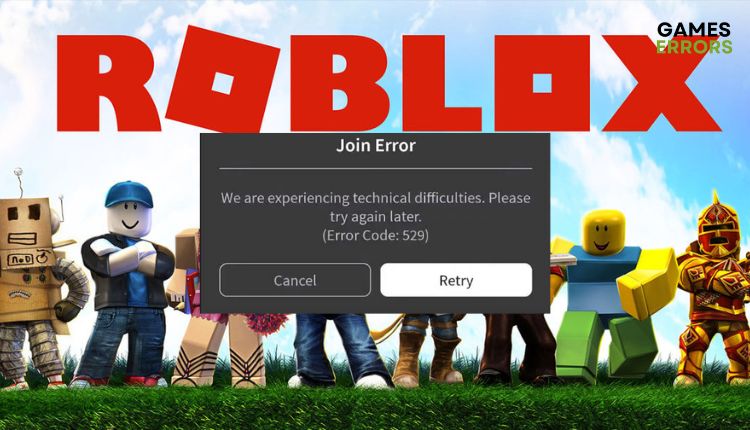
If you’re looking for fun, adventure, and something you can play online with friends every day, Roblox is an enjoyable gaming experience where the only limit is your imagination. However, are you one of those players who get the error message “We are experiencing technical difficulties. Please try again later (Error Code: 529)” when starting Roblox? This error can occur on your PC but also in the mobile version of the game.
Fortunately, we have prepared a guide for you on how to get rid of the error: “We are having technical difficulties” on Roblox, and enjoy this charming and challenging game.
Why does it say we are experiencing technical difficulties on Roblox?
You tried to log into Roblox and got this error “We are experiencing technical difficulties. Please try again later (Error Code: 529)”. This error usually occurs if the Roblox server is down or has scheduled maintenance. However, there may be some problems on your end as well.
How do you fix technical difficulties on Roblox?
If you get an error “We are experiencing technical difficulties. Please try again later (Error Code: 529)” on Roblox, follow our troubleshooting recommendations:
- Wait for the server to come up
- Log in using another device
- Delete temporary internet files
- Change your login password
- Reinstall Roblox
1. Wait for the server to come up
Can’t log in to your favorite game? First, check the server status by typing status.roblox.com in your browser. If the status says All Systems Operational, Roblox is working without problems.
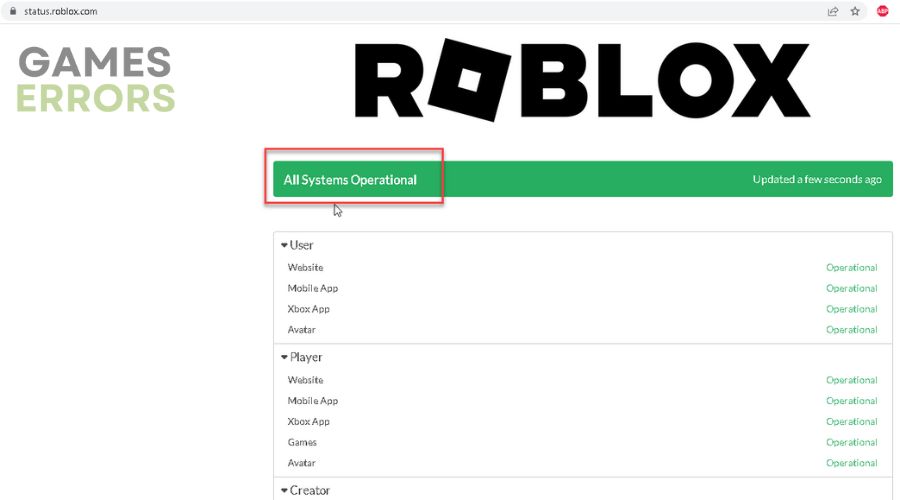
If Roblox is down, you only have to wait a few hours for the servers to return to their operational state. However, if the servers are up and running normally and the game status is functional, go to step 2.
2. Log in using another device
1. Try logging in to your PC if you play Roblox on your mobile phone and vice versa.
2. Do not try to play through the browser but through Roblox Player.
3. If you don’t have Roblox Player, download it from the official website.
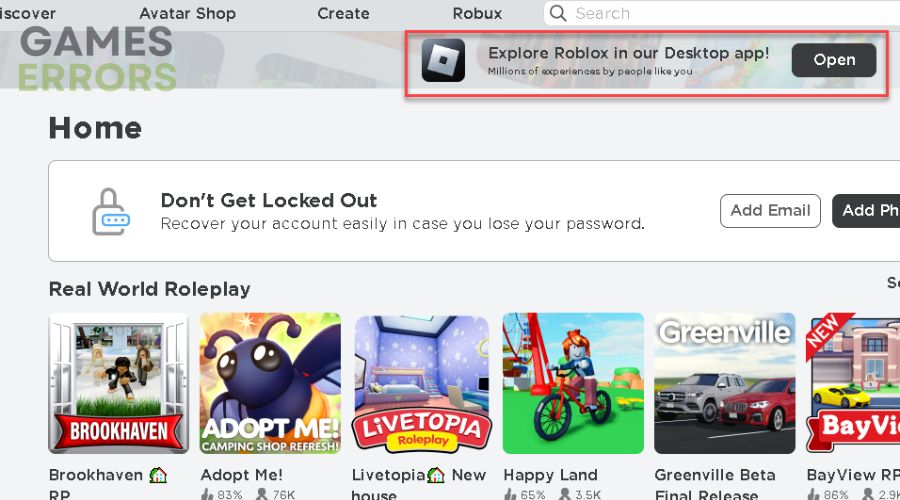
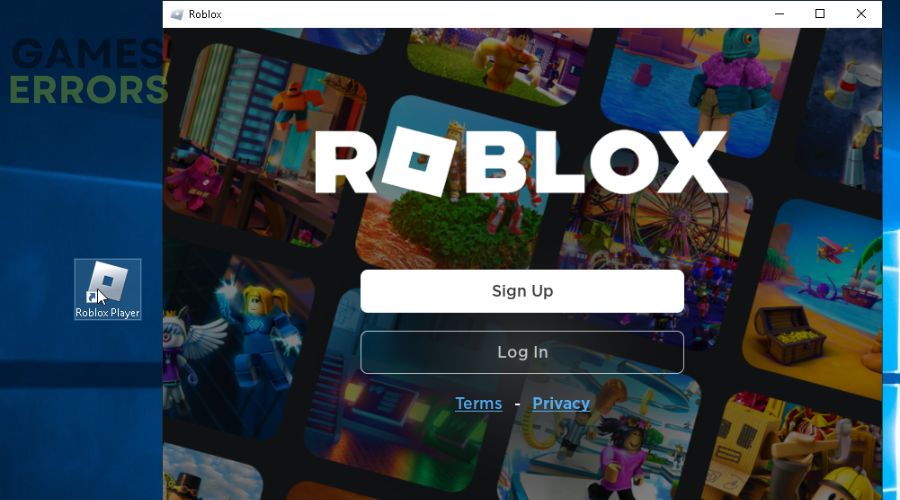
4. Start Roblox Player and try to log in.
3. Delete temporary internet files
Sometimes the Roblox error “We are experiencing technical difficulties” can be because of the temporary internet files and cookies. It would be best to clear your browser of these files and try logging into Roblox again.
No matter which browser you use, the procedure for deleting temporary files is similar. We will show the example of Google Chrome.
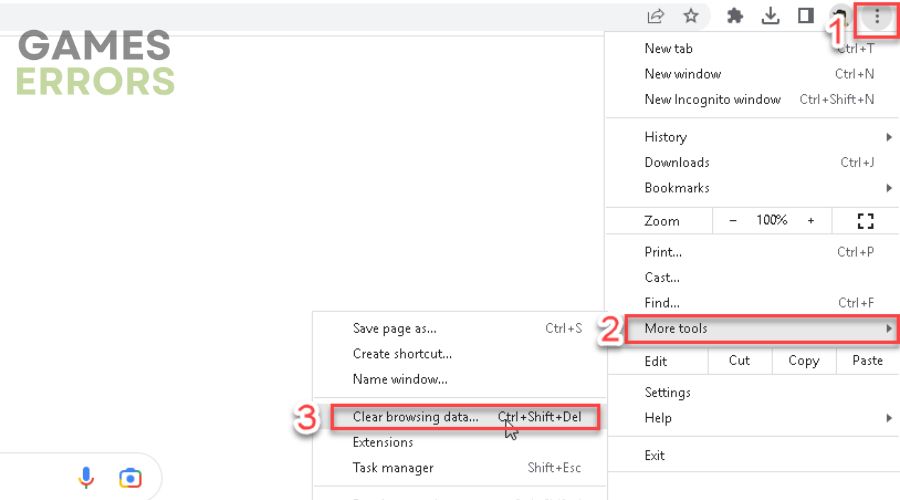
1. Click on the three dots left upper in the browser, then option More tools and Clear browsing data.
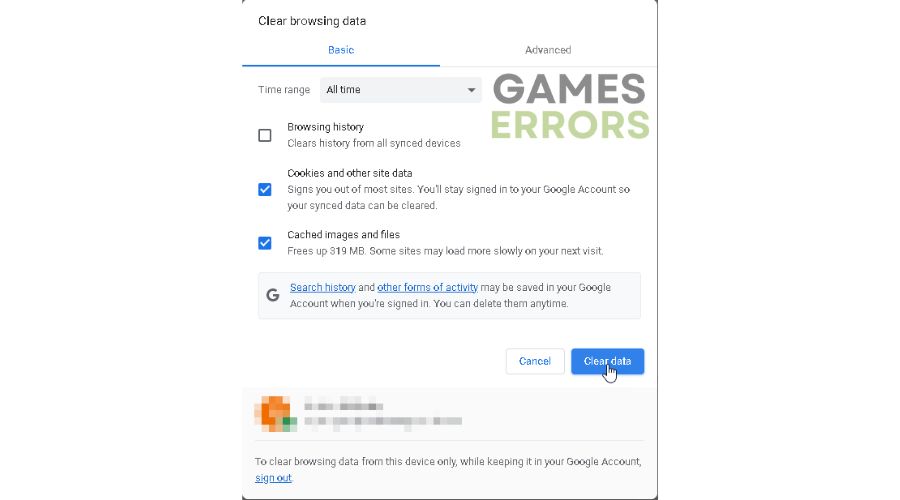
 2. On the dialog window – Clear browsing data check options Cookies and other site data and Cached images and files.
3. Click on the button Clear data.
4. Change your login password
If the previous steps didn’t work, try changing your login password.
1. Type roblox.com/login in your browser.
2. Click on Forgot Password or Username?
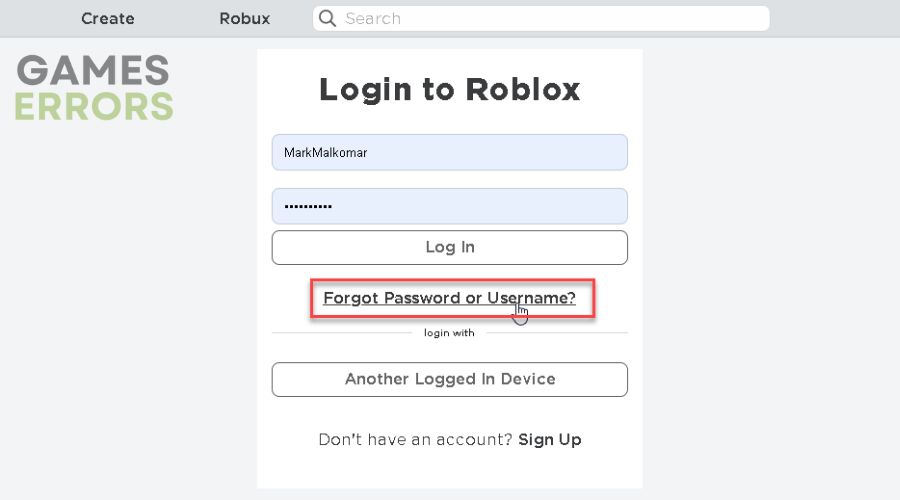
3. Follow the on-screen instructions to change your Roblox password, and then try logging in with your new password.
5. Reinstall Roblox
If you have tried all the previous steps and nothing has helped to solve your Roblox problem, try reinstalling the game on your mobile phone (Roblox app) or computer (Robox Player).
Related articles:
Conclusion
We hope our detailed guide helped you fix the “We are experiencing technical difficulties. Please try again later (Error Code: 529)” error on Roblox. If you’ve tried all of the above steps but still have problems, contact Roblox Support (www.roblox.com/support), who will probably be able to give you more specific advice about your situation.



Improve this guide

User forum
0 messages