
Roblox says “Client initiated disconnect” with code 285


 2 min. read
 Updated on
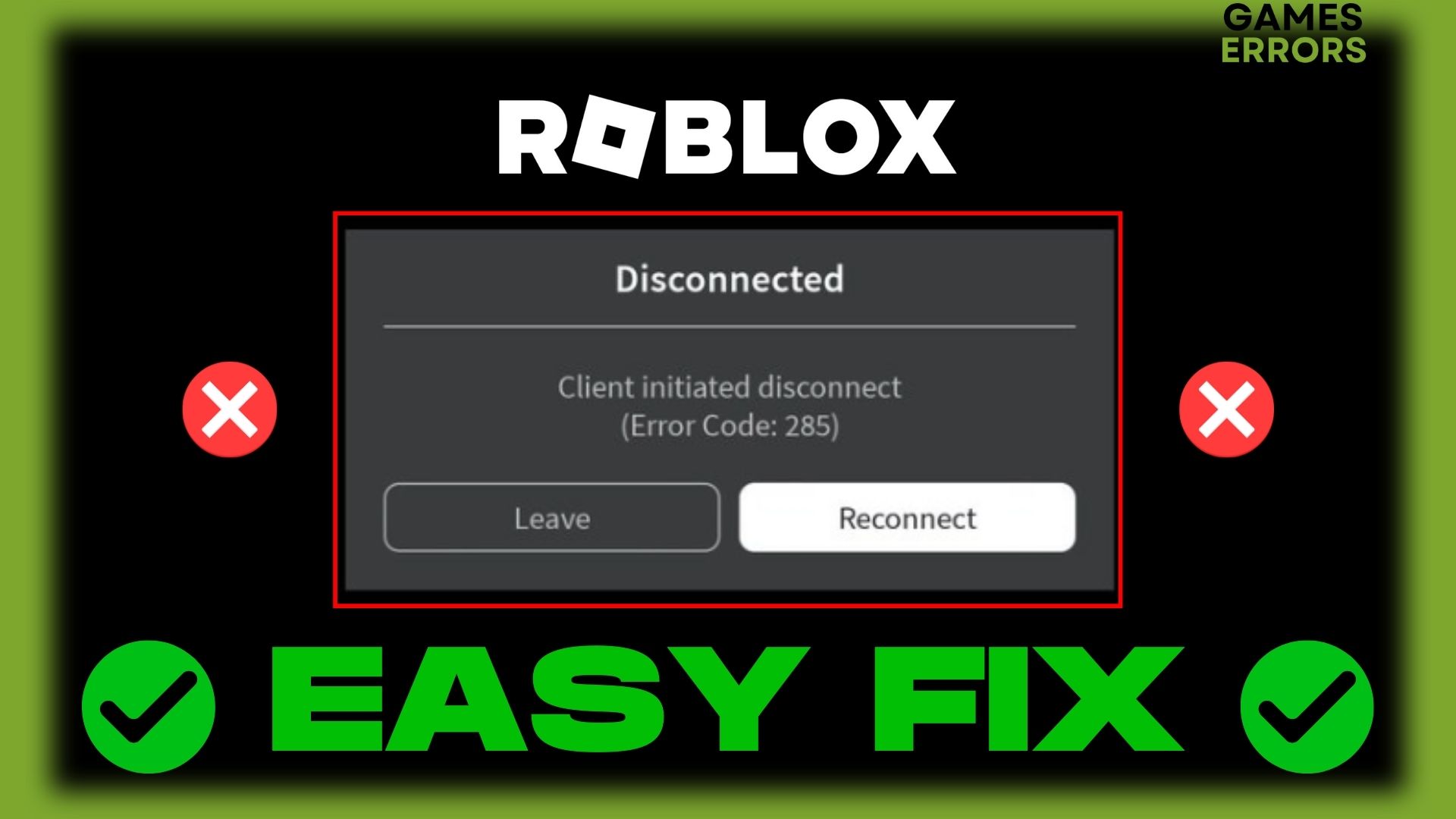
The phrase “Client initiated disconnect” tells you how the session ended, but it does not explain why. Roblox’s public support index does not give 285 a specific cause. If you deliberately left the experience or closed the player, check whether you can rejoin normally. If it continues while you are actively playing, write down what you were doing immediately before the disconnect.
Check whether the client remains open
When the message appears, note whether you can return to the Roblox menu, whether the entire app closed, and whether you can join another experience. If the app closes across multiple experiences, use Roblox’s desktop troubleshooting. If the app stays open but sessions keep dropping, check Roblox’s connection guidance and record how long each session lasts.
If the error returns at exactly the same door, queue or teleport, send the sequence to the experience creator. A browser can start the desktop player, but switching browsers does not replace the running client or establish why it disconnected.
Related Roblox guides
Roblox Error Code 529: What Does It Mean & How to Fix · Error Code 103 in Roblox: How to Fix it Permanently · Error Code 773 in Roblox: Check These Useful Solutions · Error Code 277 in Roblox: What is & How to Fix it ASAP · Error Code 429 Roblox: What Causes & How to Fix.
GamesErrors may earn a commission through these product links. Opera GX.



Improve this guide




User forum
0 messages